



Your practice calendar with automatic appointment reminders.
By SMS, WhatsApp or email, at the time you choose. Every picture on this page comes from the current version of the app.
Seven steps, most of them once
Step 1
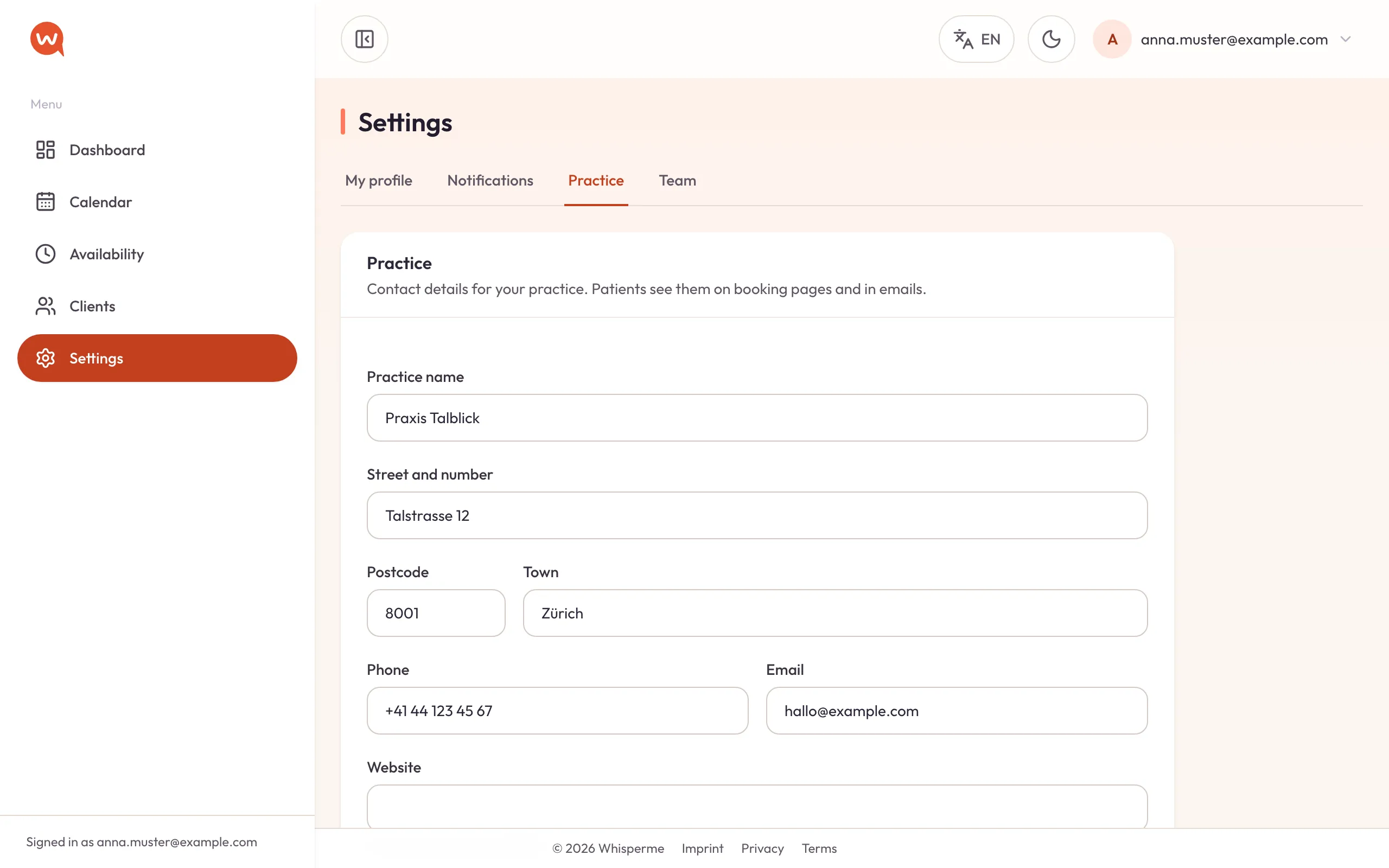
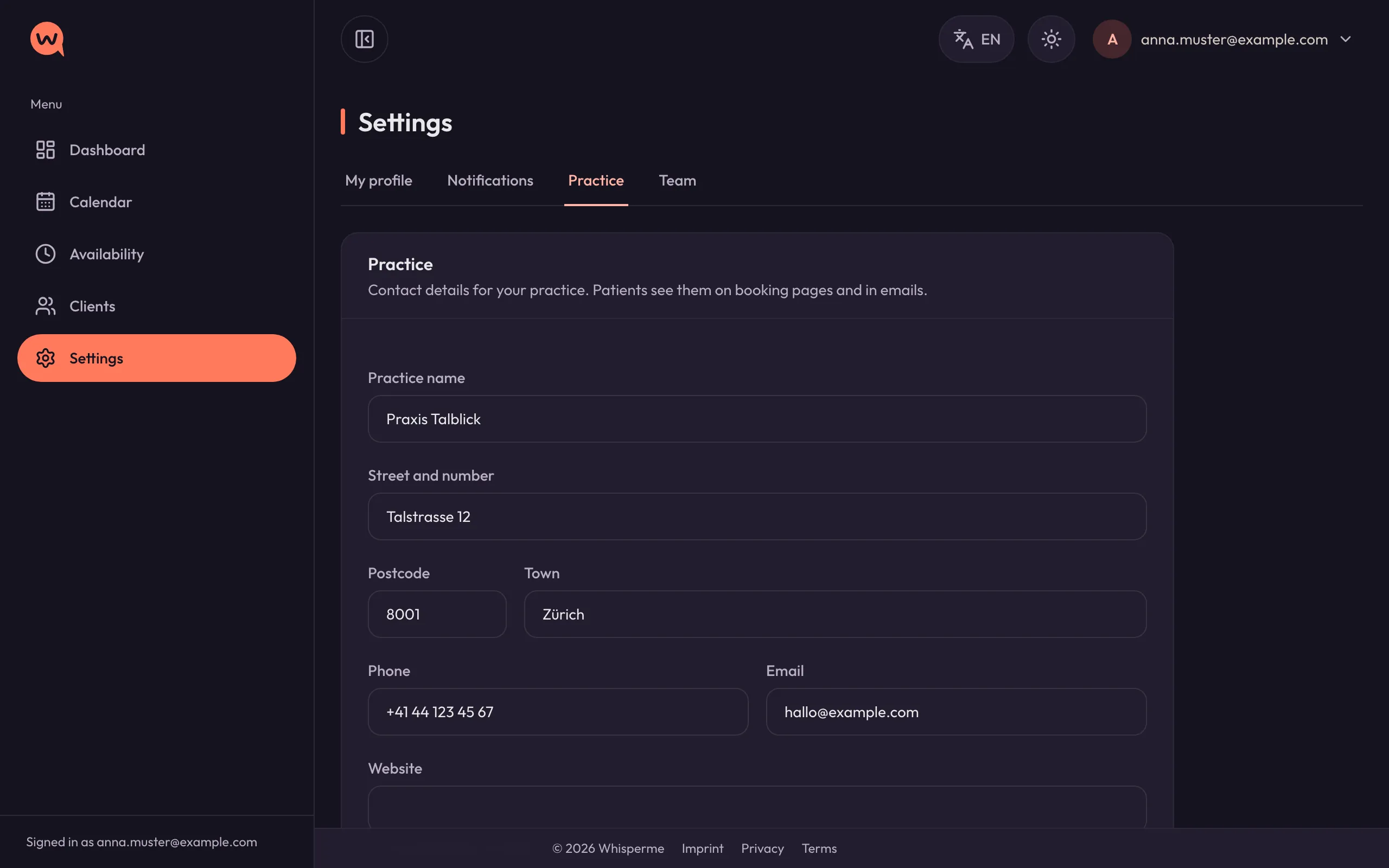
Set up your practice in ten minutes
Sign up with your email address — there is no password to remember, you sign in with a link. Then fill in what your clients should see.
- Practice name, address, phone and logo appear on booking pages and in every email.
- Decide how long before an appointment clients may still cancel online, and whether late cancellations may be charged.
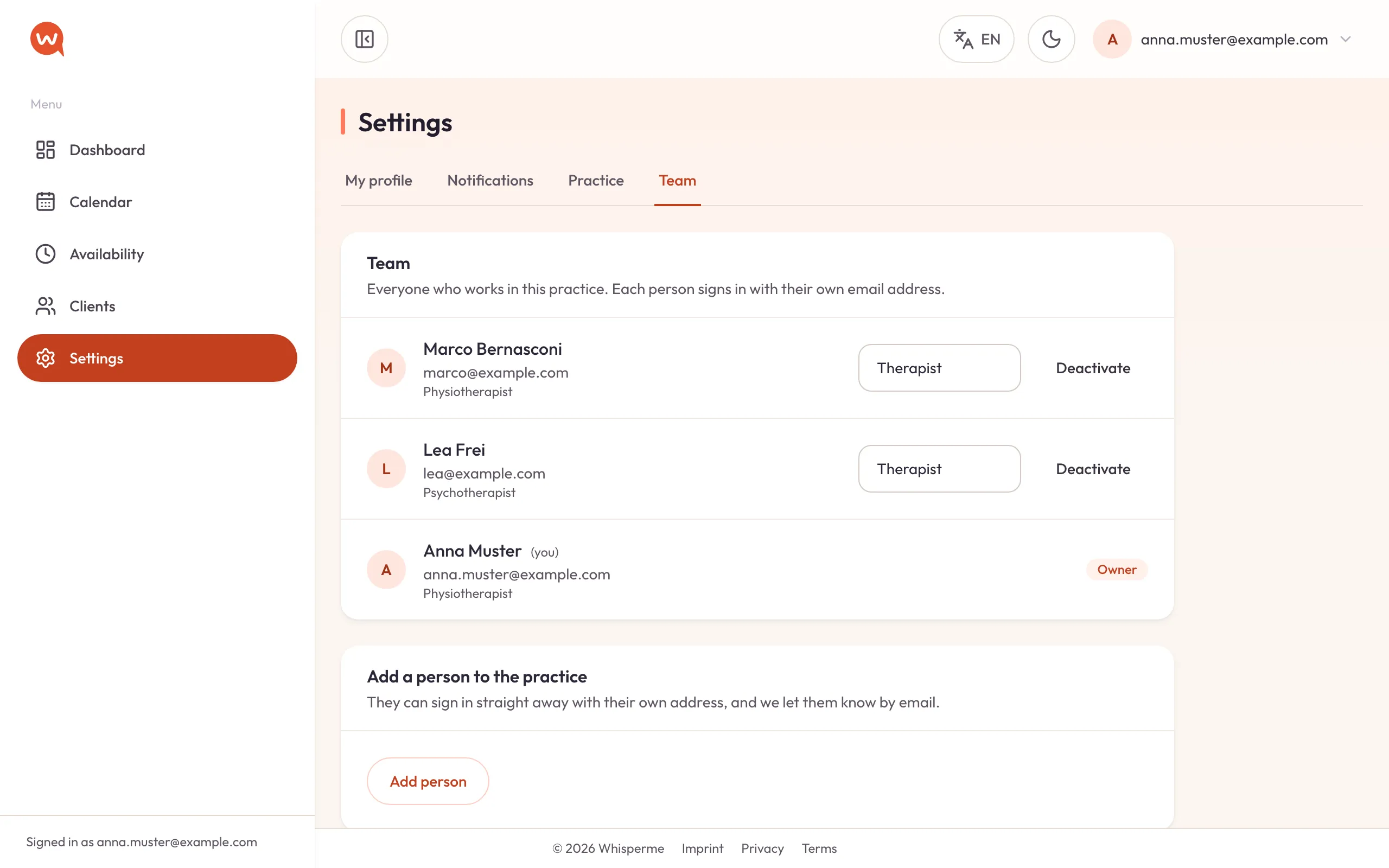
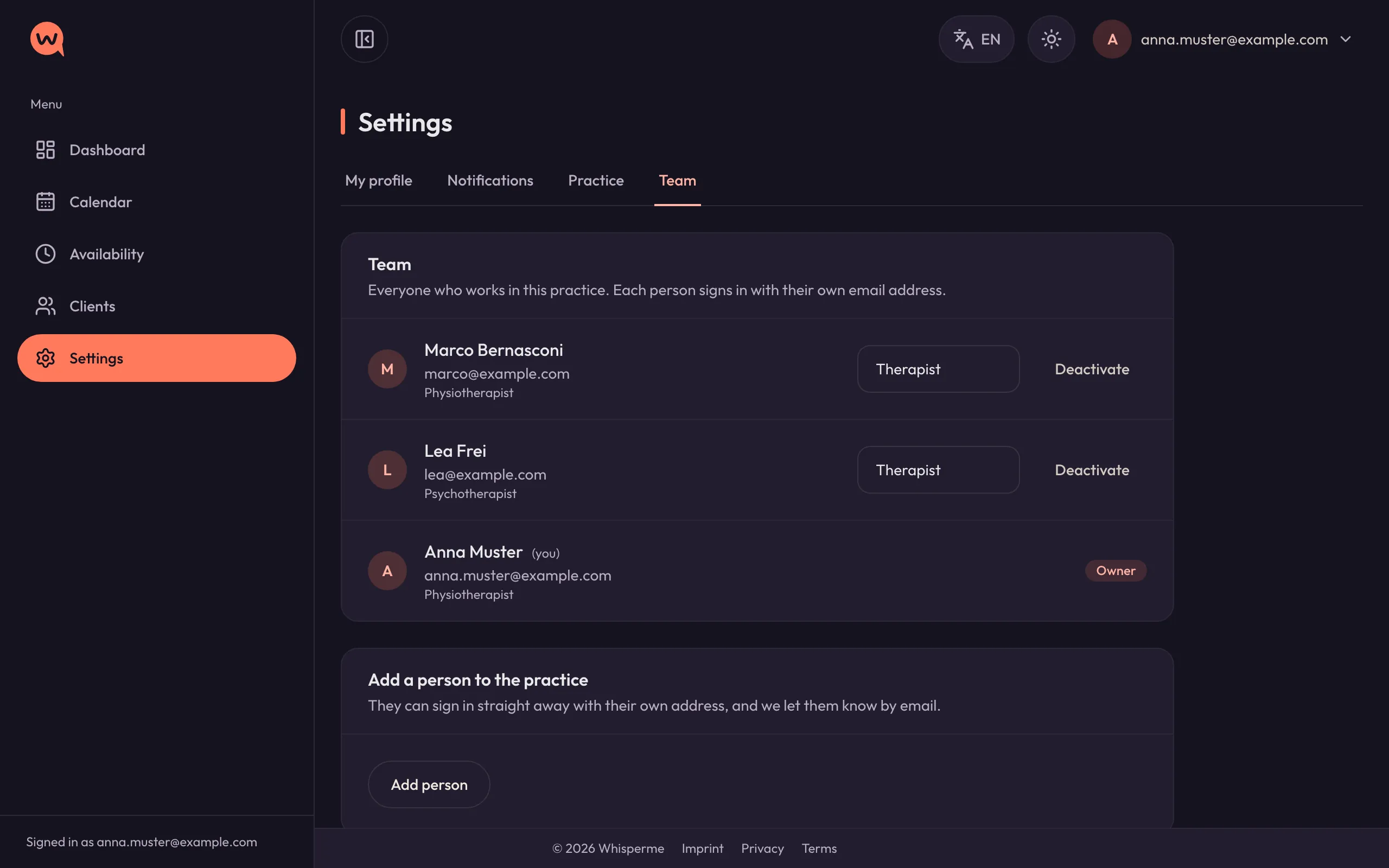
- Add your colleagues. Everyone signs in with their own address and sees their own calendar and clients.
Step 2
Tell WhisperMe when you work
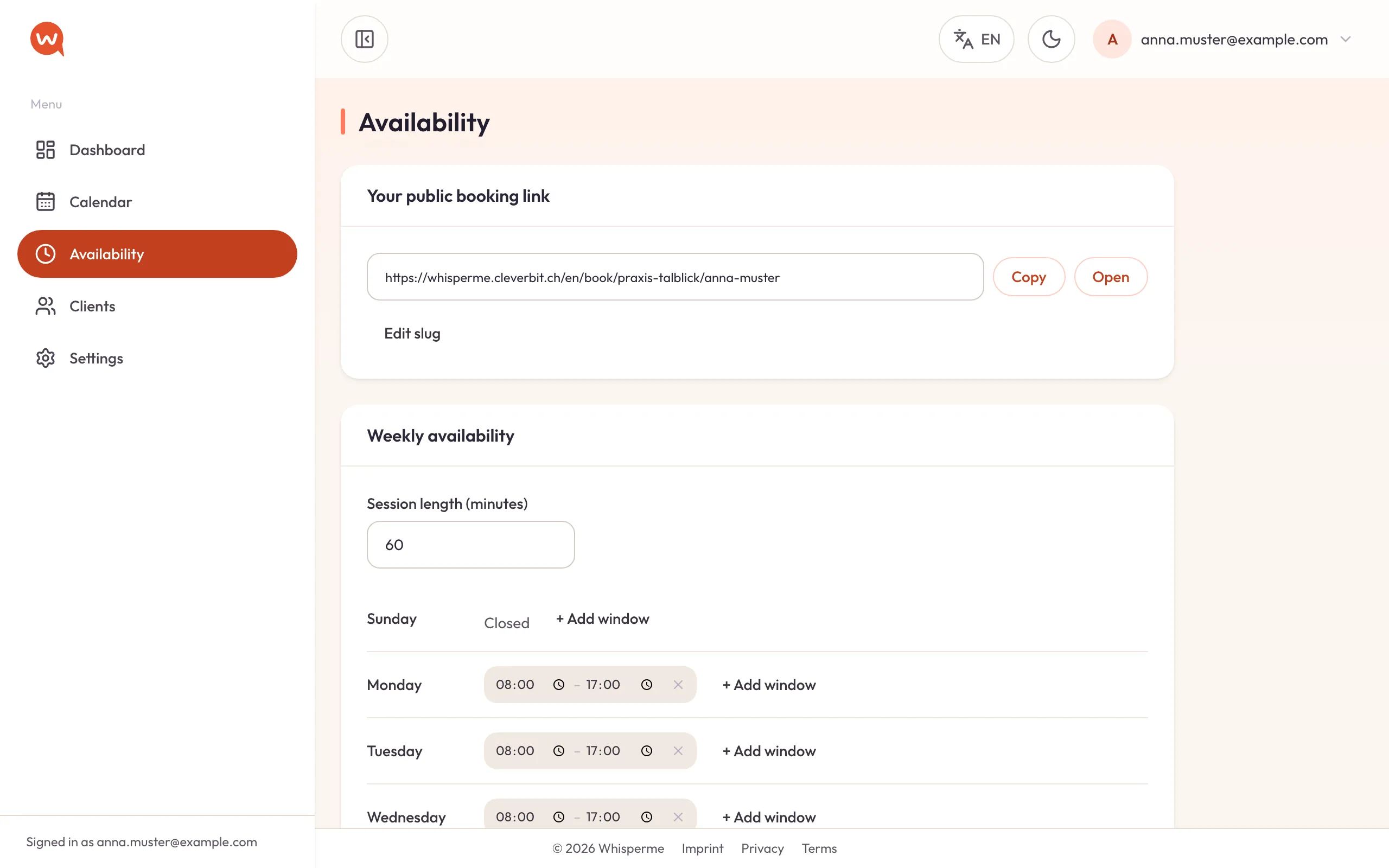
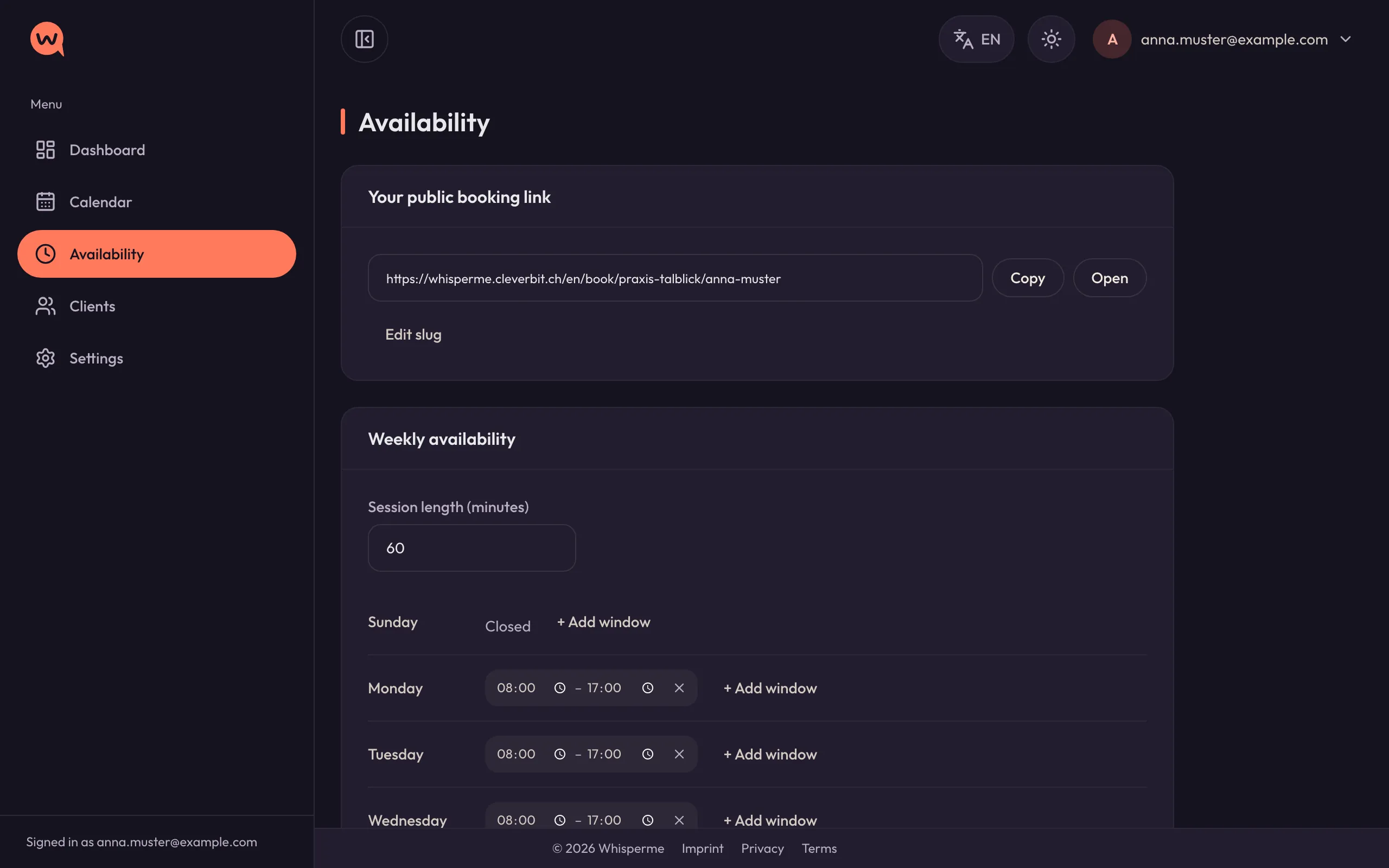
Your weekly hours are the frame for everything else: the calendar shades the time you are away, and your booking link only offers times inside them.
- Opening hours per weekday, with the length of a session.
- Holidays and time off — whole days or just an afternoon.
- Your personal booking link, ready to put on your website or in your email signature.
Step 3
Bring your clients along
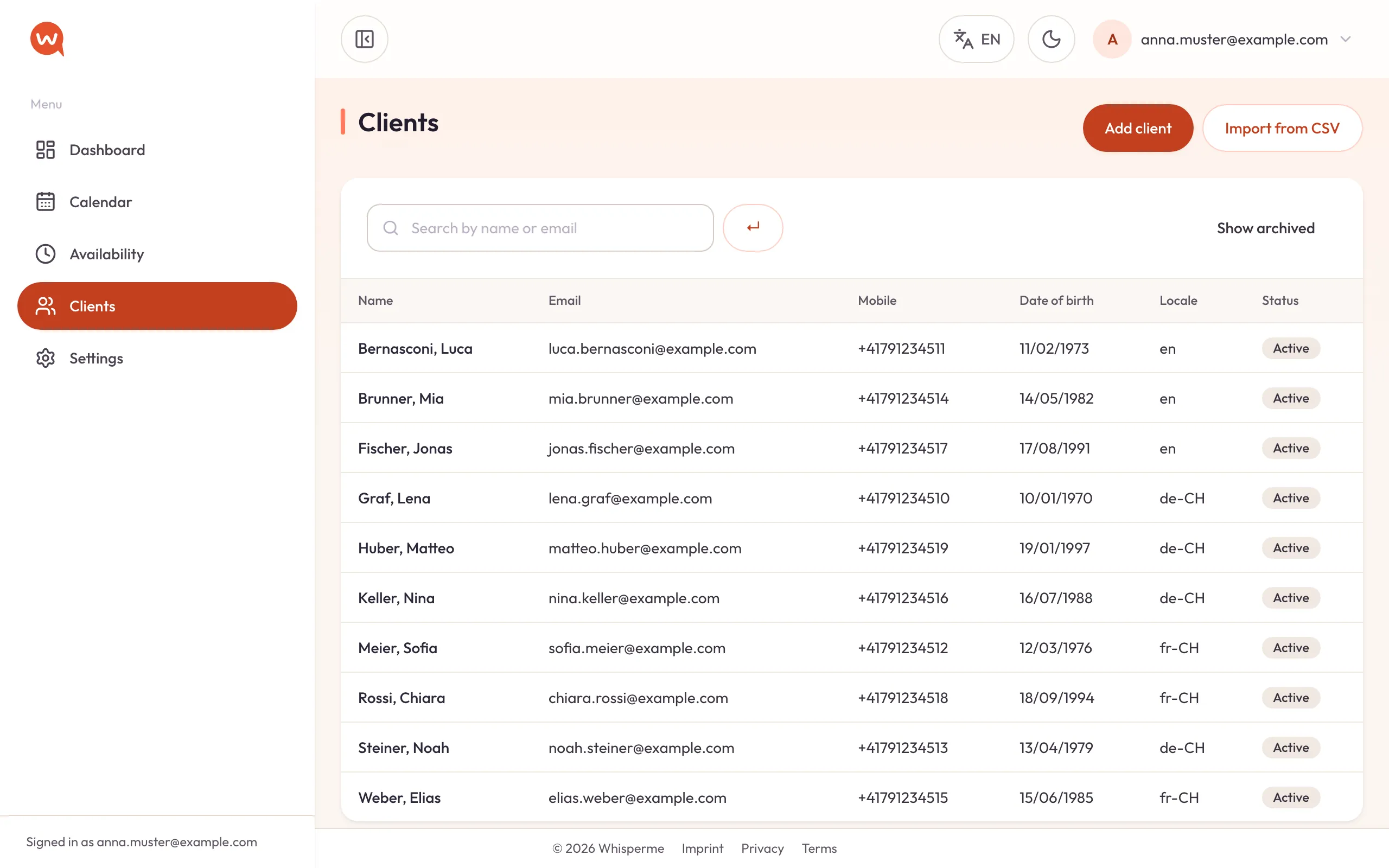
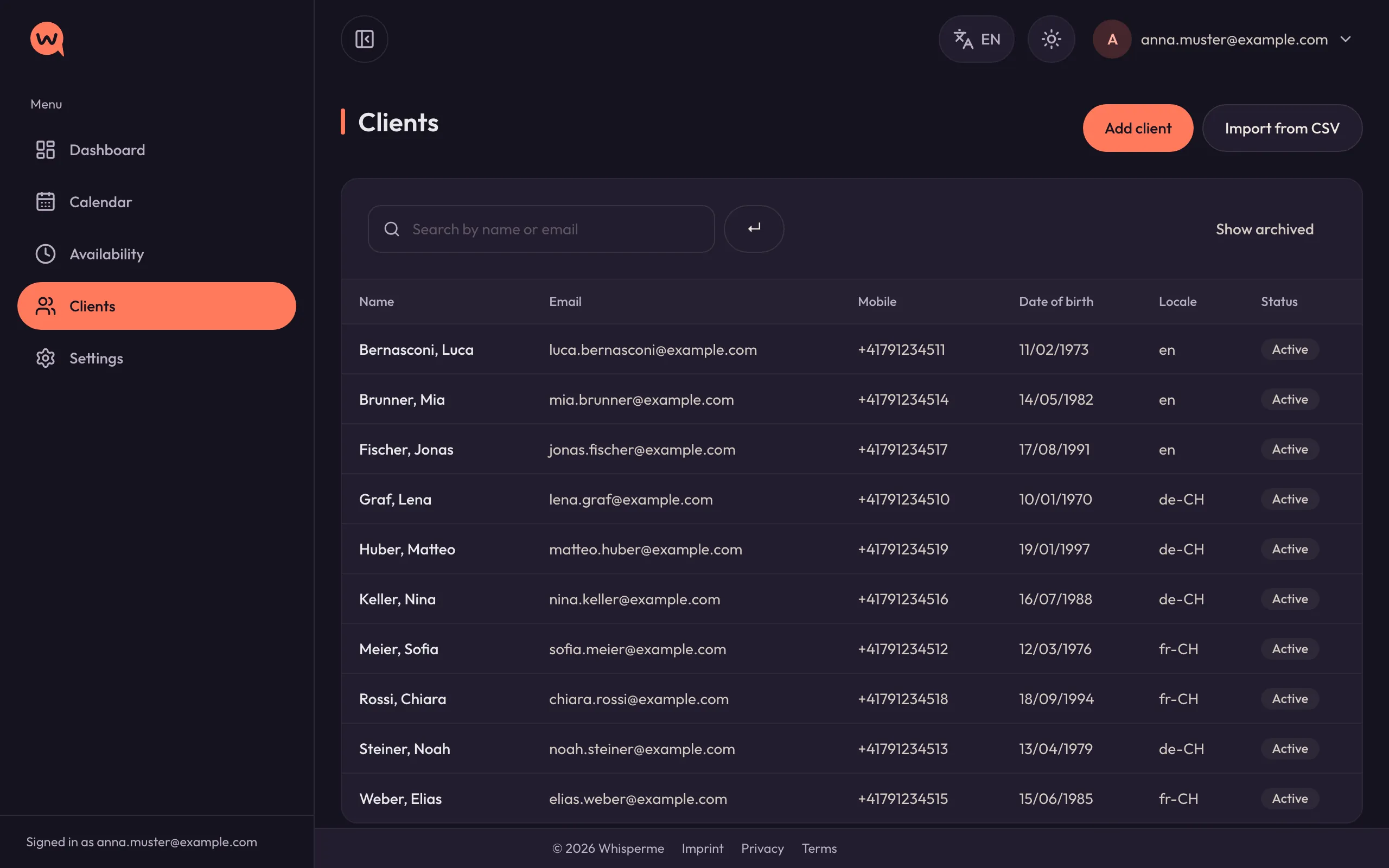
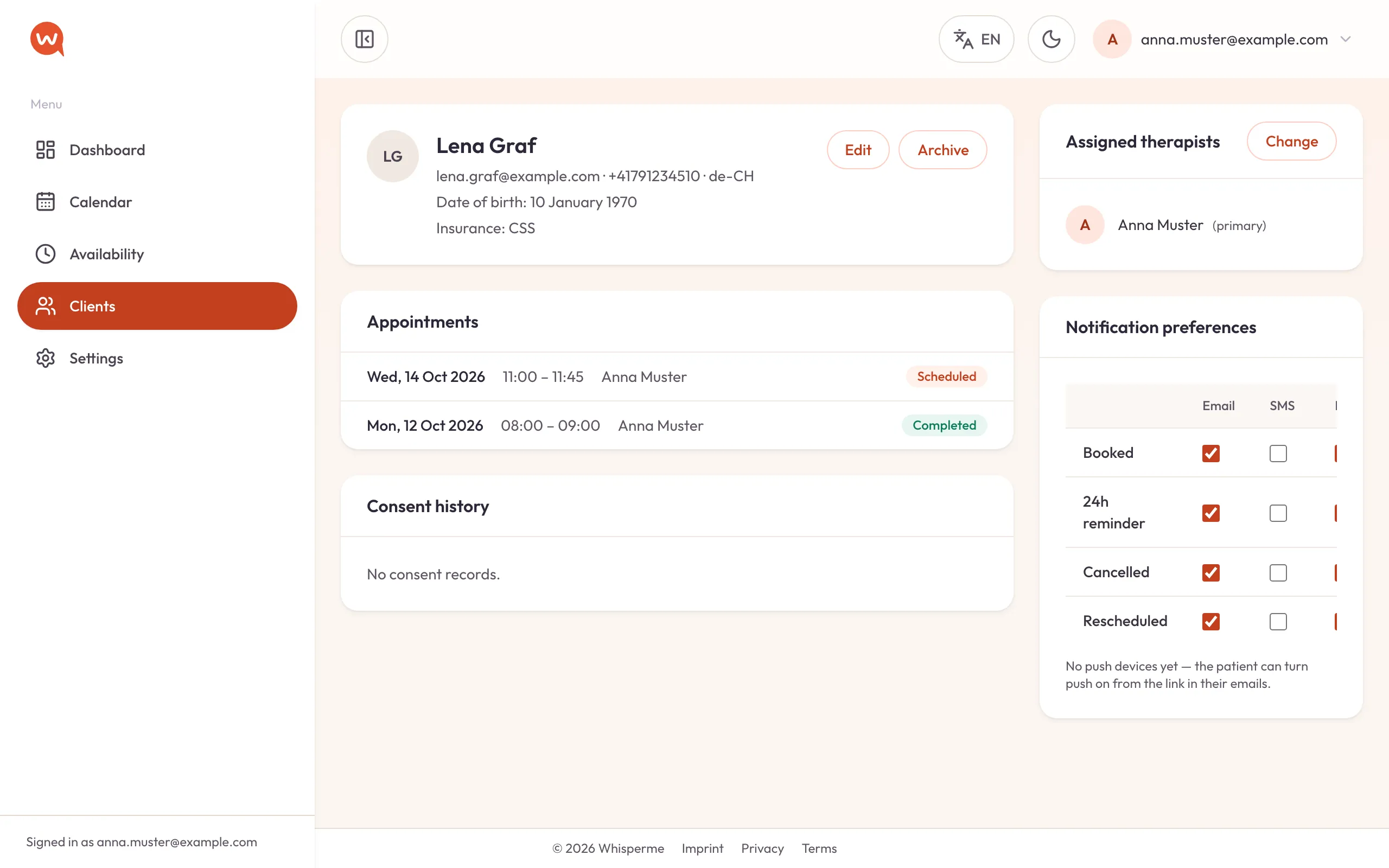
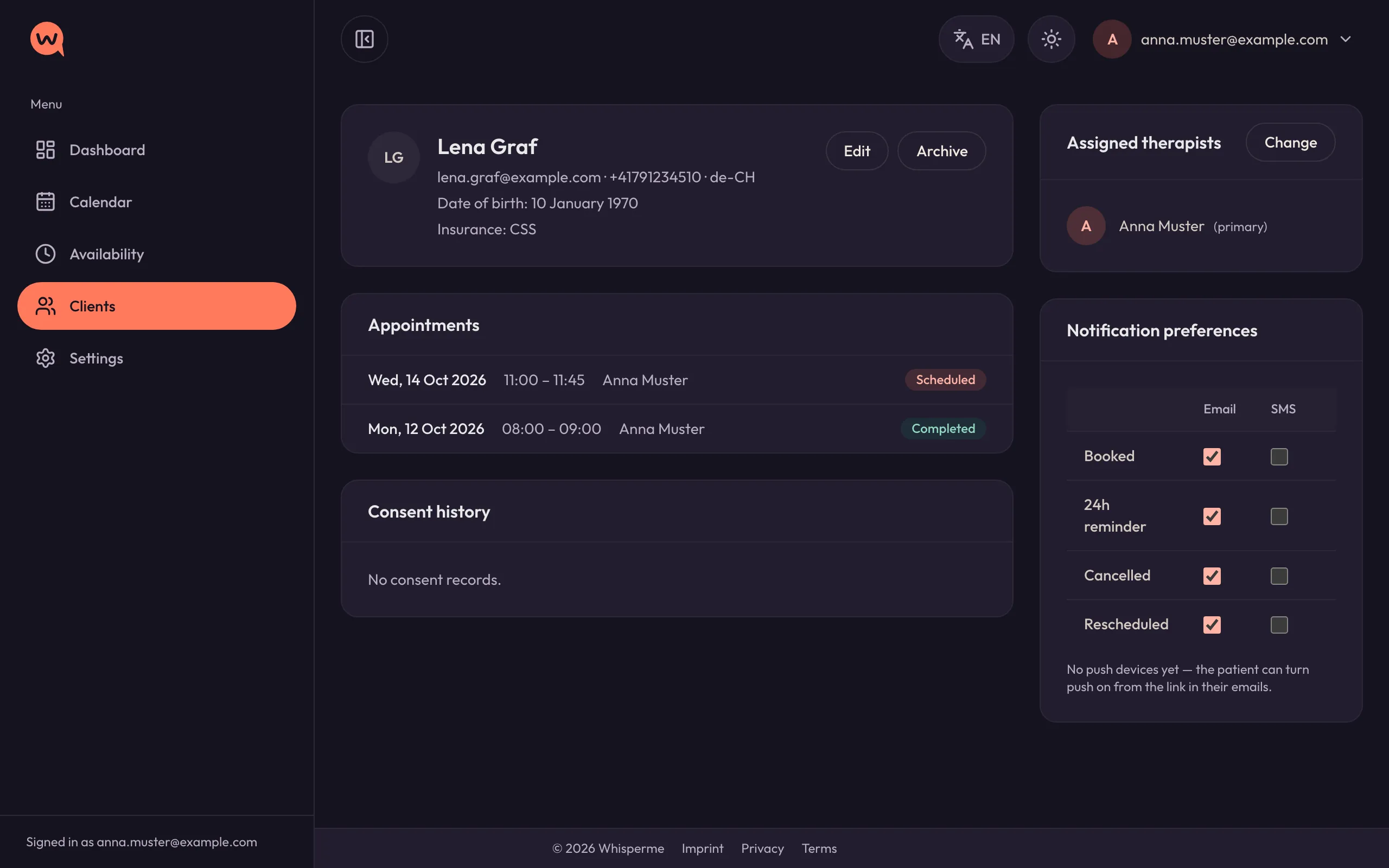
Start with the clients you already have. Add them one by one, or import a CSV export from your current system in one go.
- Contact details, date of birth, insurance and the language they want to be reminded in.
- Choose who in the team looks after whom.
- Consent to be contacted is recorded with every client — the paper trail the FADP asks for.
Step 4
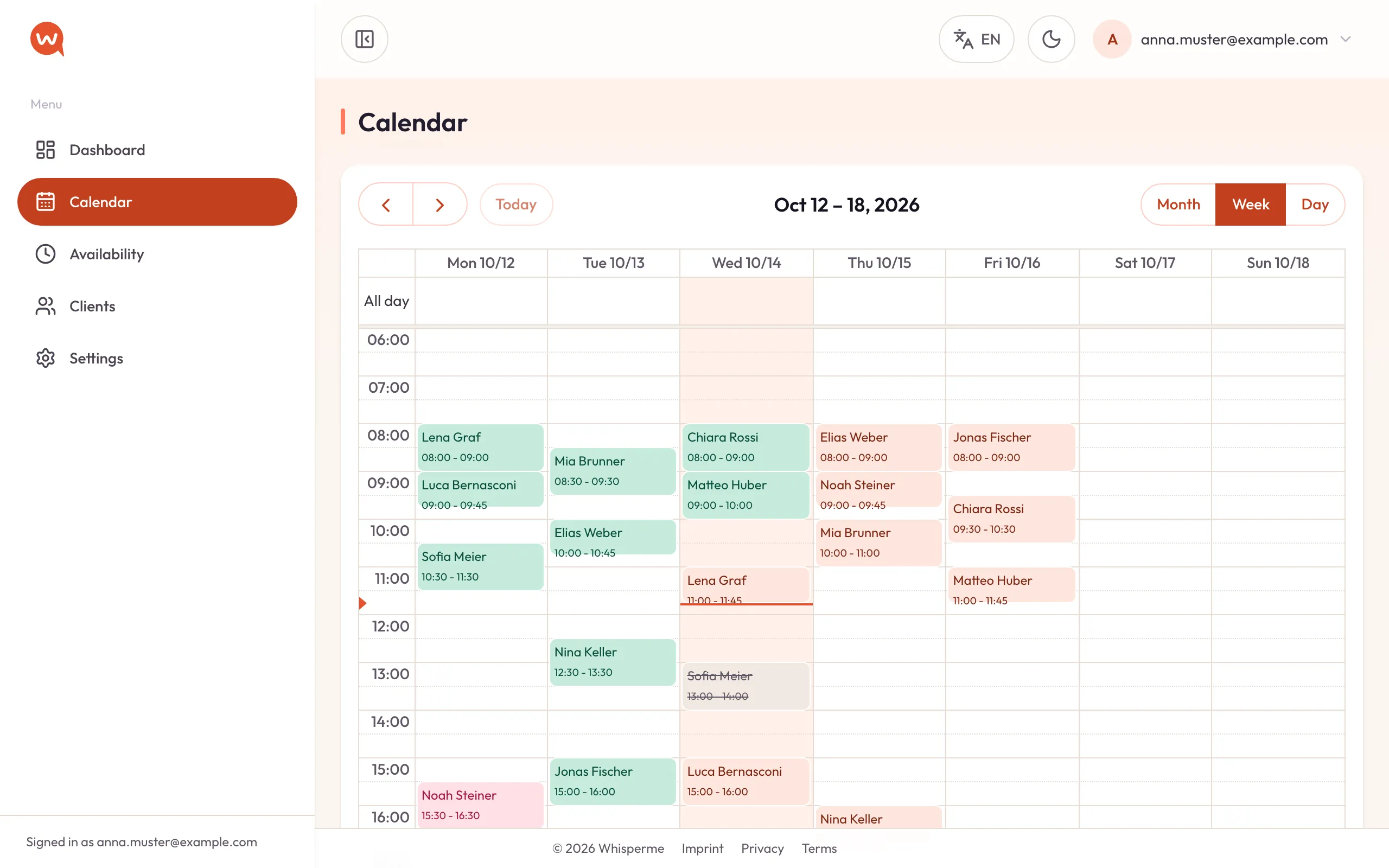
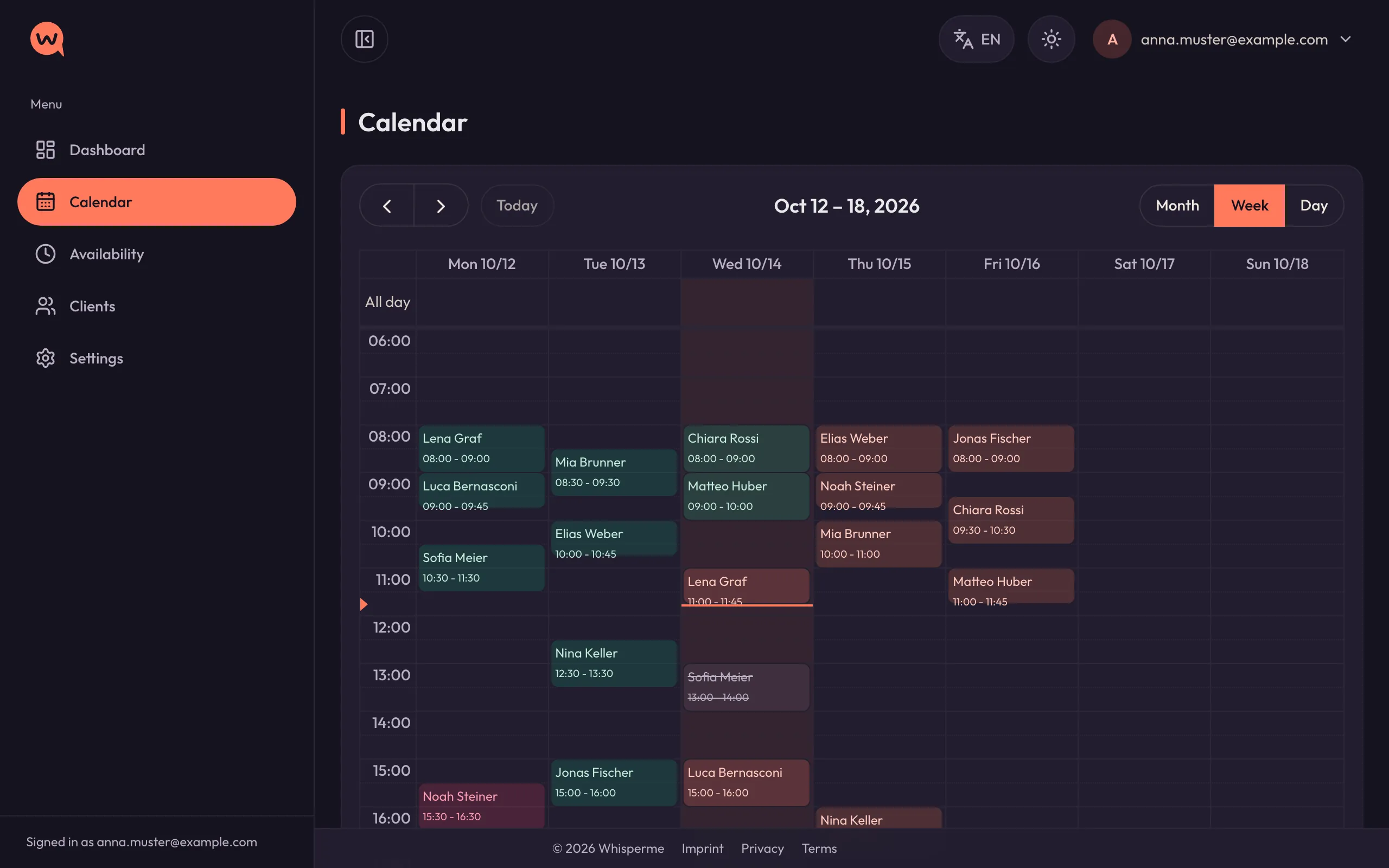
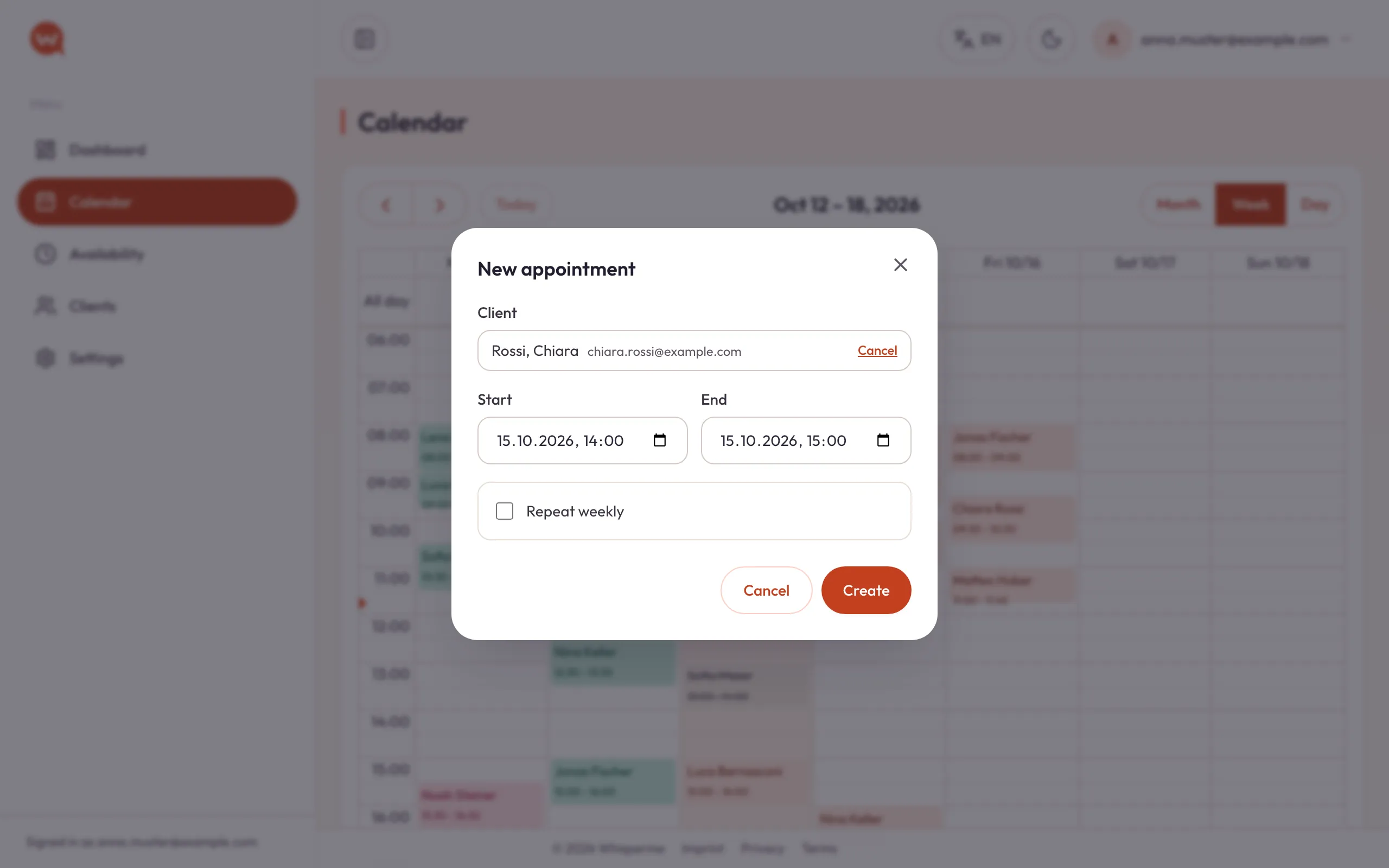
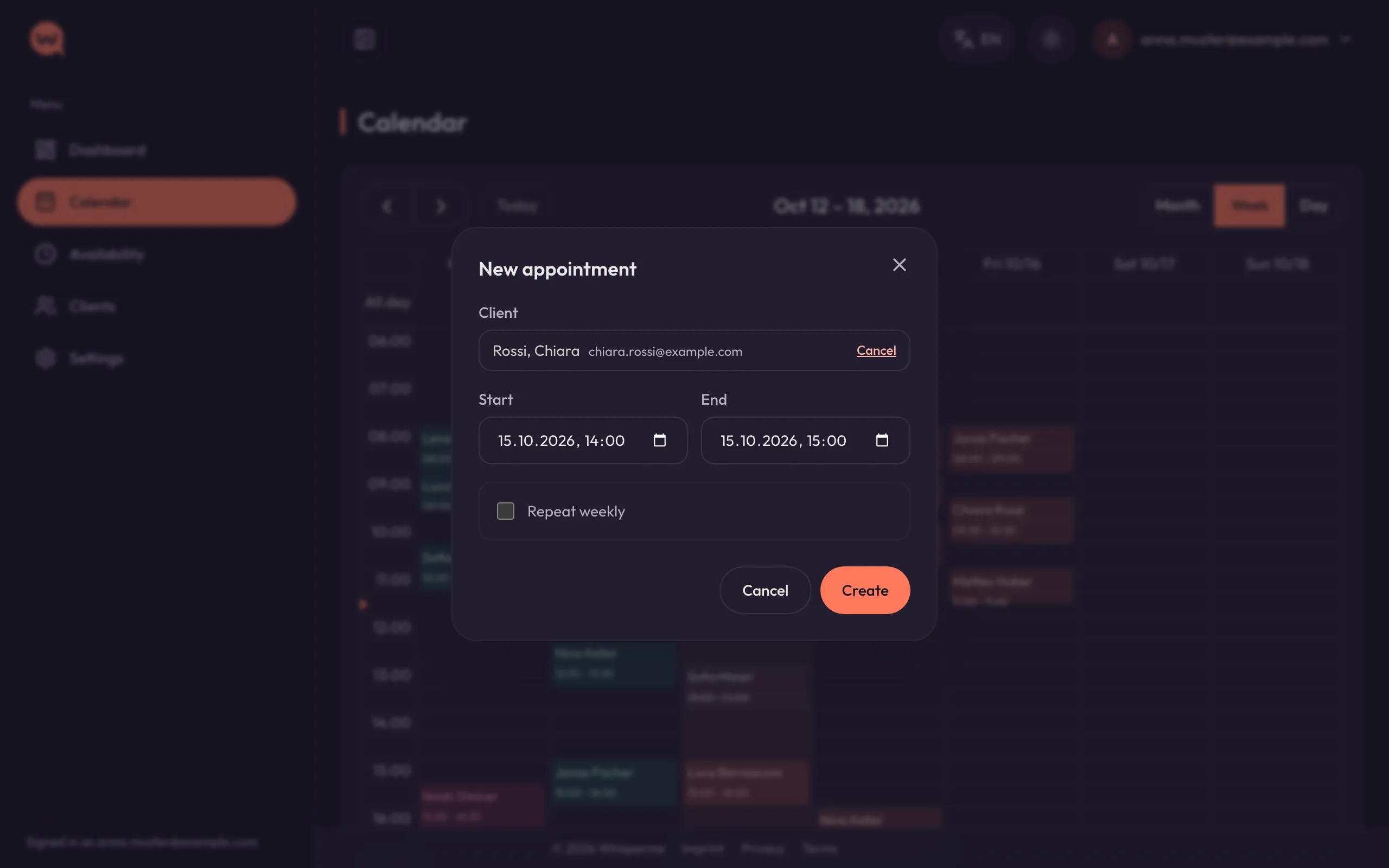
Book in the calendar
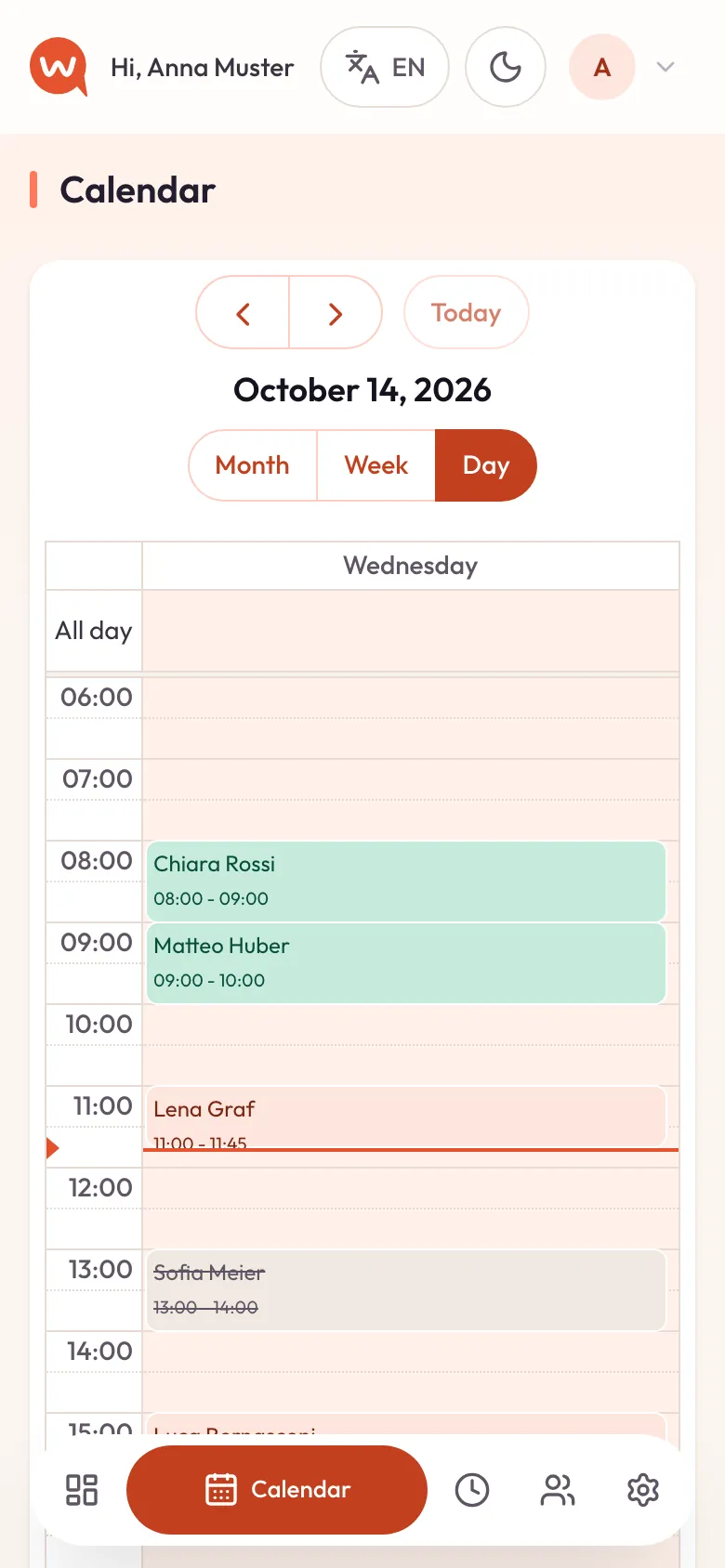
Drag across a free slot, type the first letters of a name, and the appointment is in. The video shows the whole thing, in real time.
- Repeat weekly or every two weeks for a series of sessions.
- A warning if you double-book — and a button to book anyway when you mean it.
- Drag an appointment to move it; the client is told about the new time.
Step 5
Reminders go out on their own
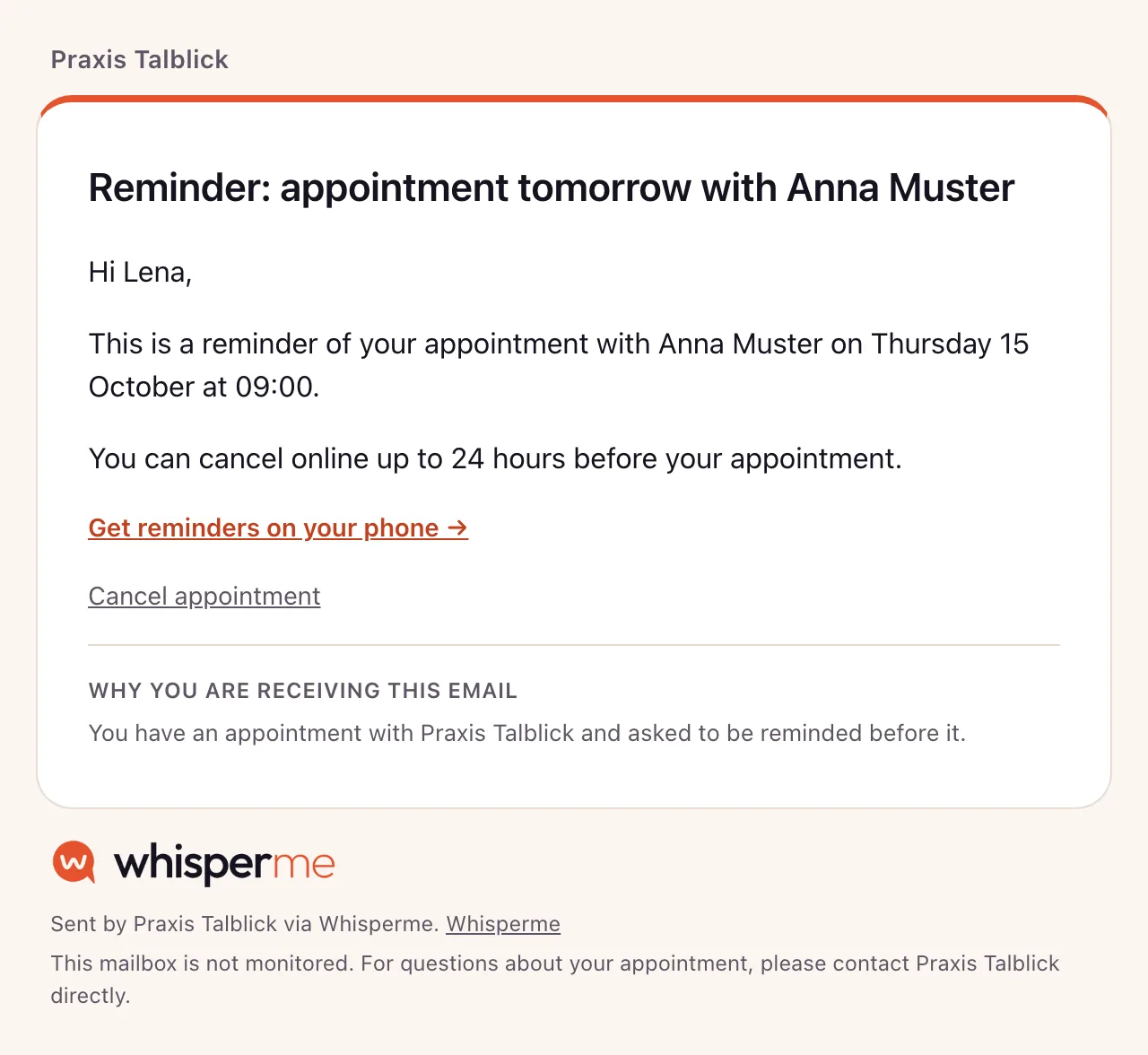
This is the part you no longer do. Every message goes out in the client’s own language, with your practice’s name on it.
- Need to nudge someone today? “Send reminder now” is one click on the appointment.
- If a reminder cannot be delivered, you hear about it — not after the empty hour.
- When you bookA confirmation with date, time and a link to cancel.
- 24 hours beforeA reminder by email, SMS or as a notification on their phone.
- If plans changeClients cancel online within your window, and you are notified straight away.
Step 6
Let clients book themselves
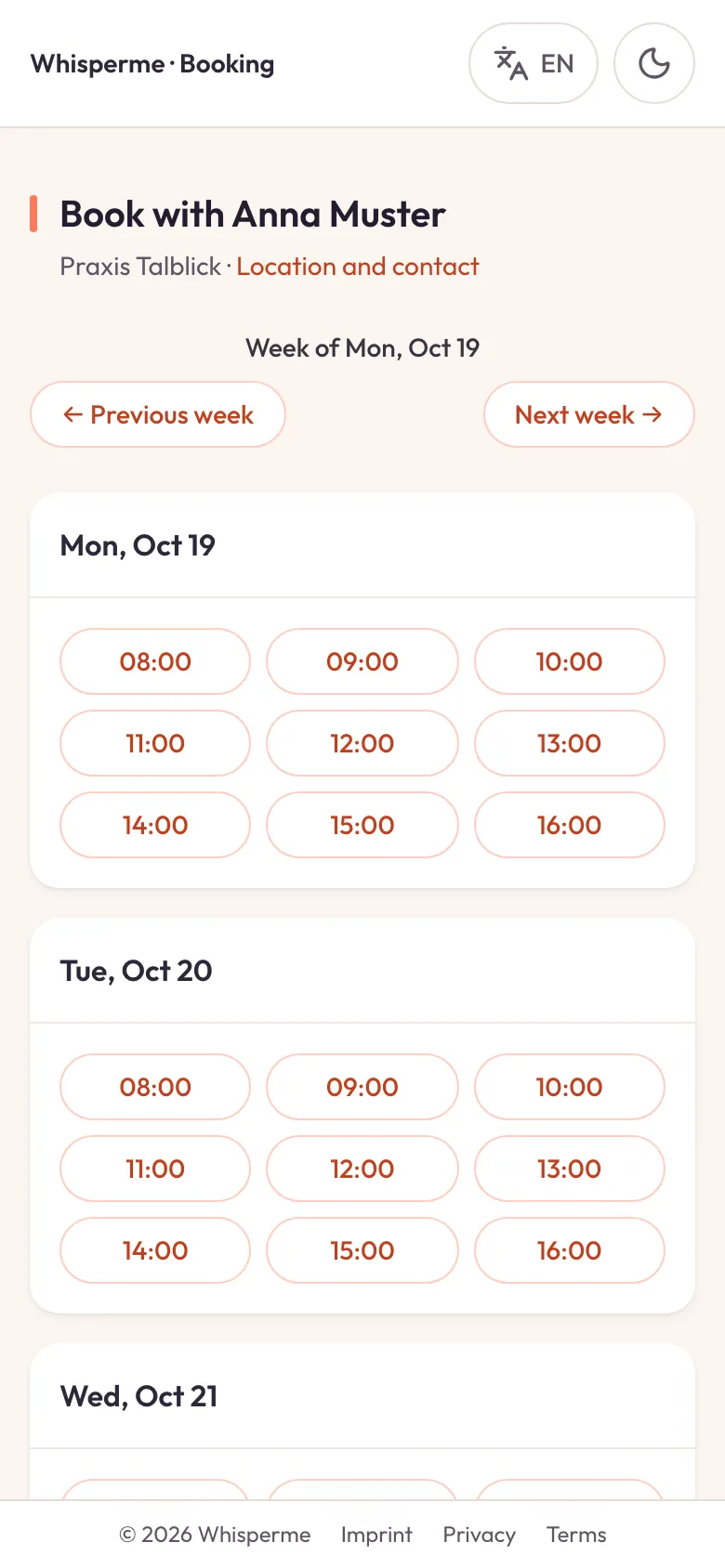
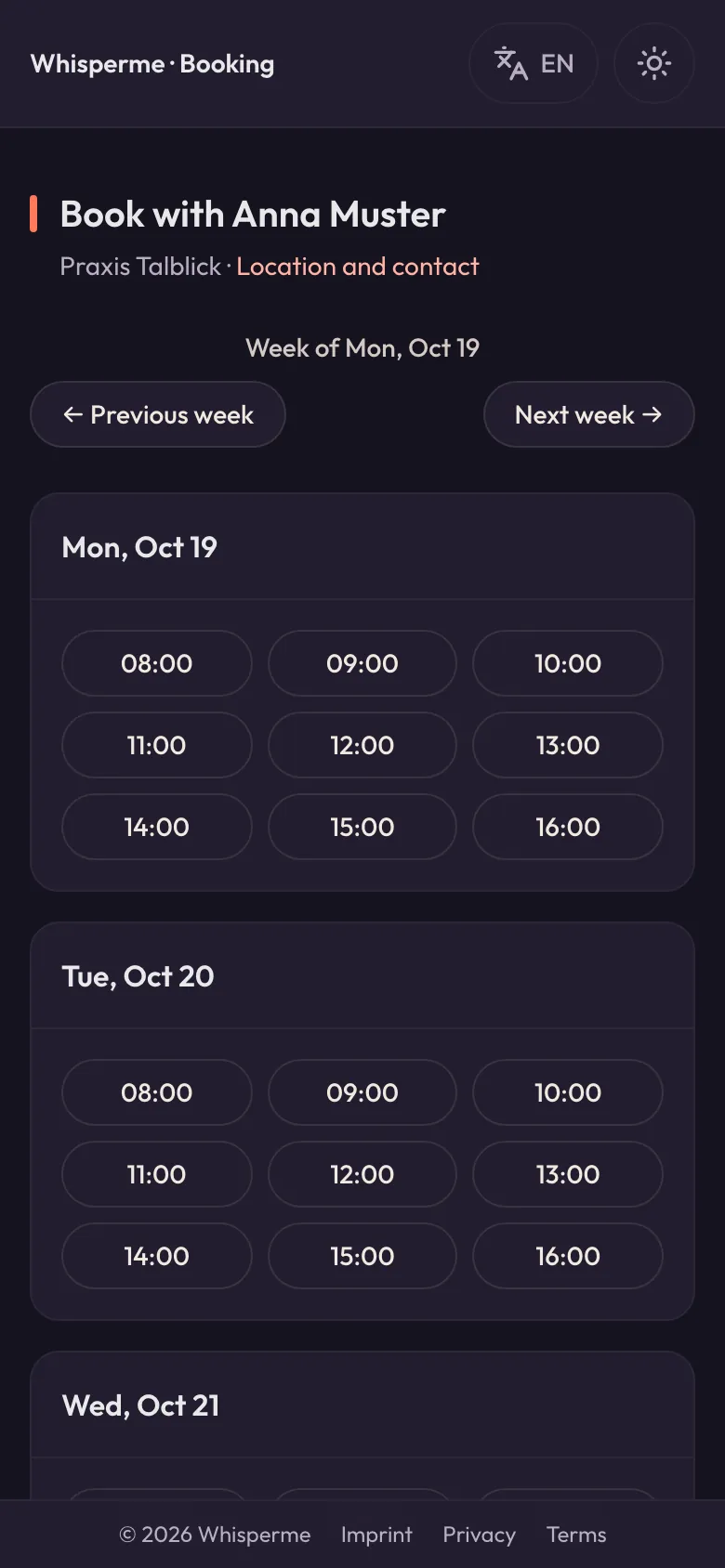
Share your booking link and clients pick a free time on their phone — at eleven at night if they like. Here is the whole booking, filmed on a phone.
- They only ever see times you are actually free.
- The time is held for 15 minutes; the booking becomes final when they click the link in the confirmation email.
- The appointment lands in your calendar and you get a notification.
Step 7
Your day at a glance
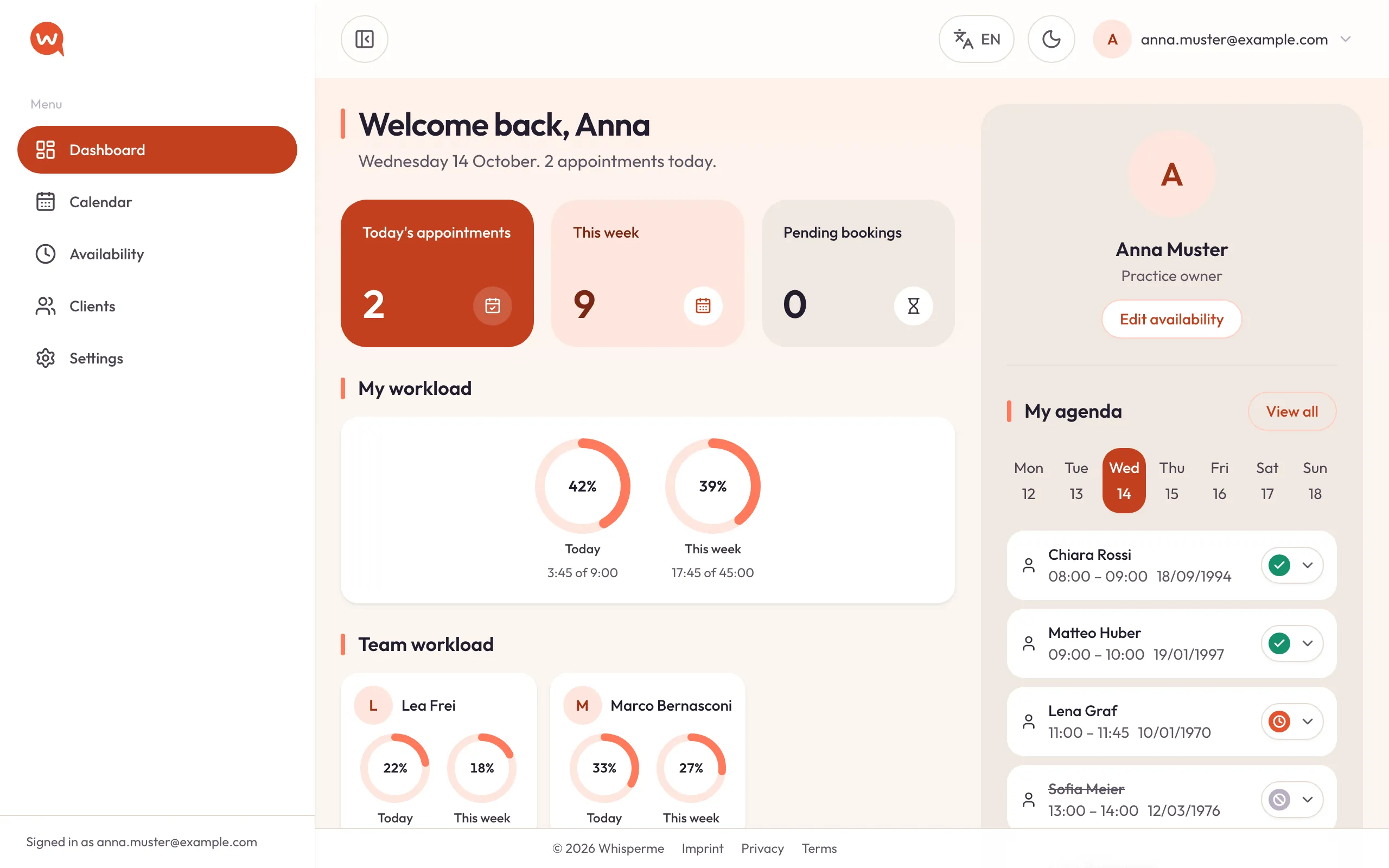
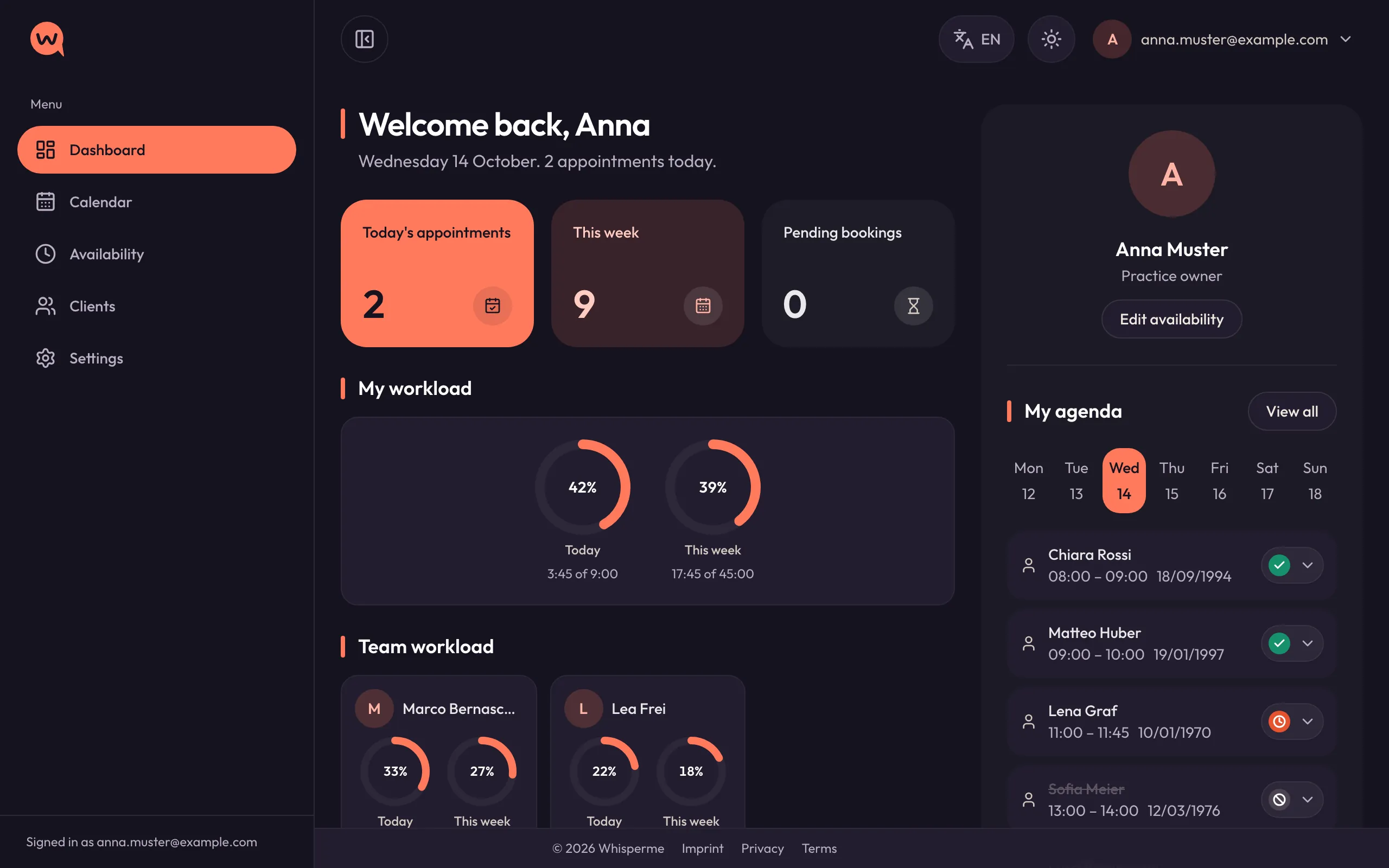
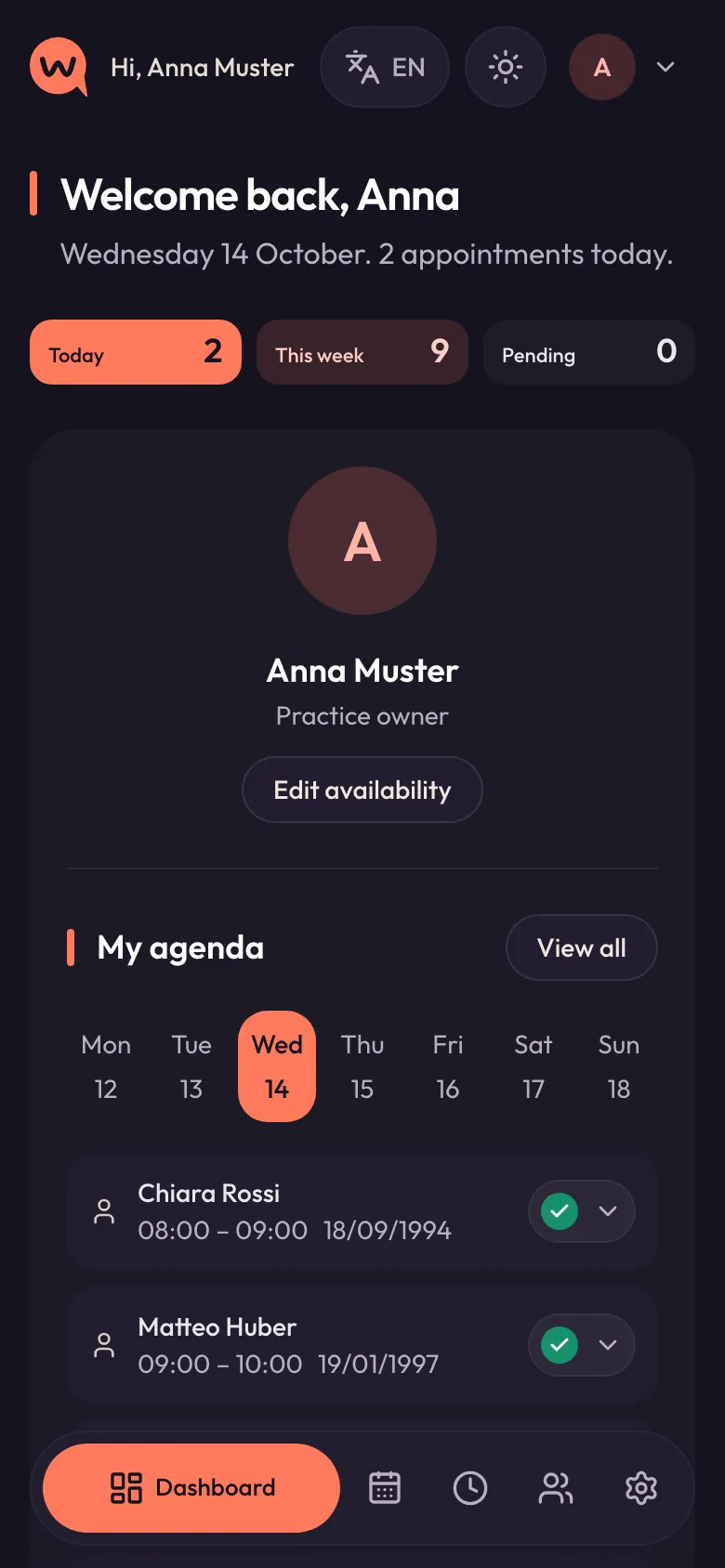
The dashboard shows today, the week and who is coming next. Mark a session completed or a no-show with one tap, and see how full your week is.
- Today’s agenda, with every appointment’s status.
- Your workload — and the team’s, if you run the practice.
- Bookings that are still waiting for the client to confirm.
And all of it on your phone
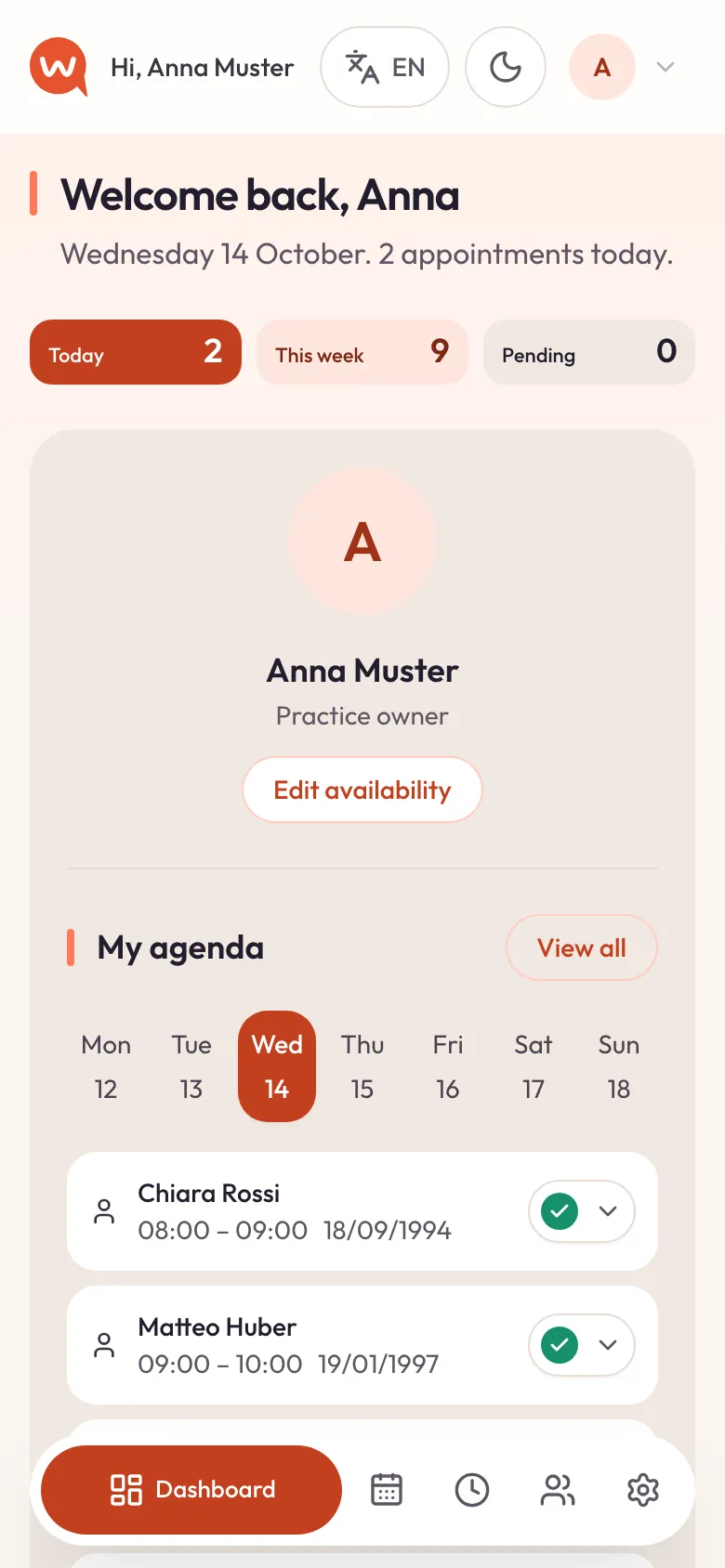
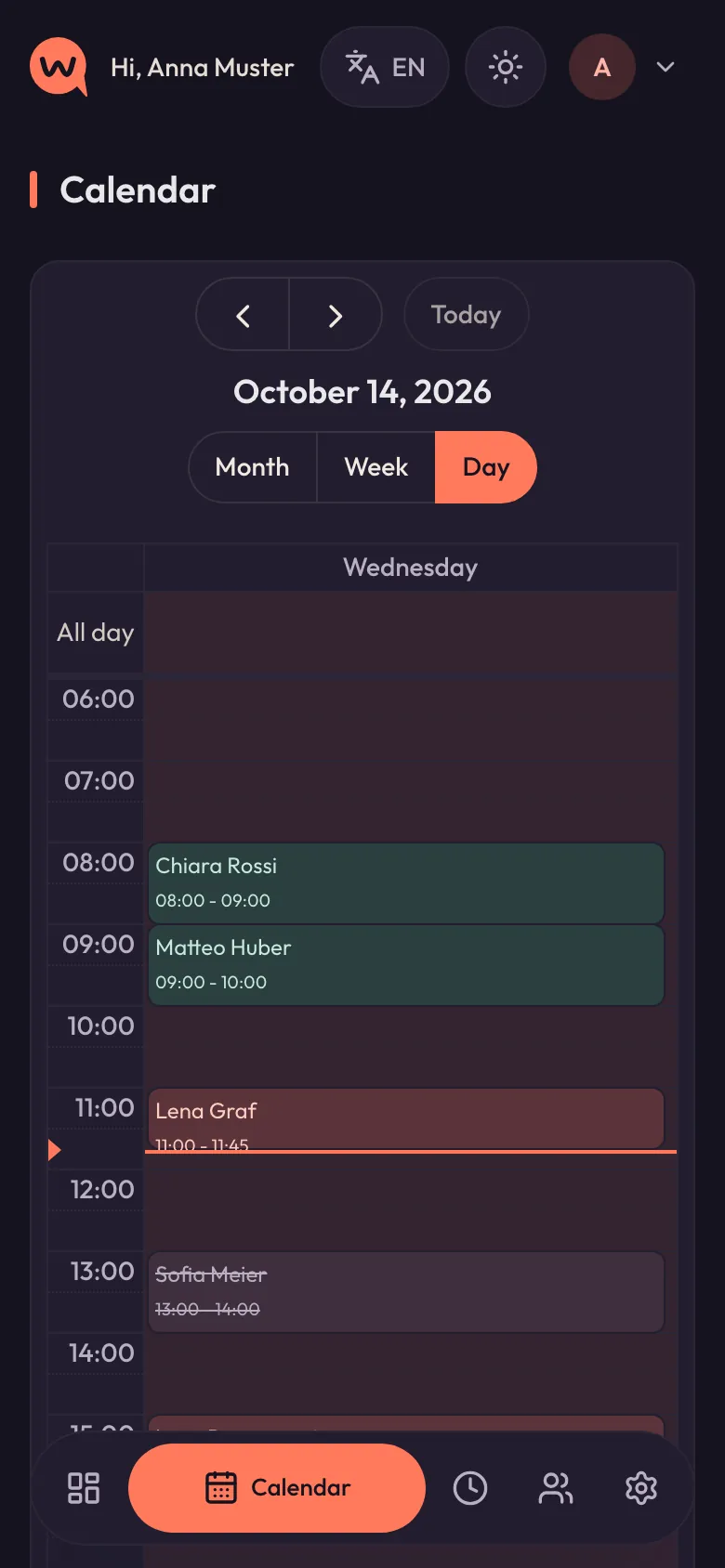
Add WhisperMe to your home screen and it opens like an app — calendar, clients and dashboard, in your pocket between two sessions.
Ready when you are.
Set up your practice, add a few clients and book the first appointment. The first reminder takes care of itself.